How Multi-Location Restaurants Win on Google Maps and Local Search
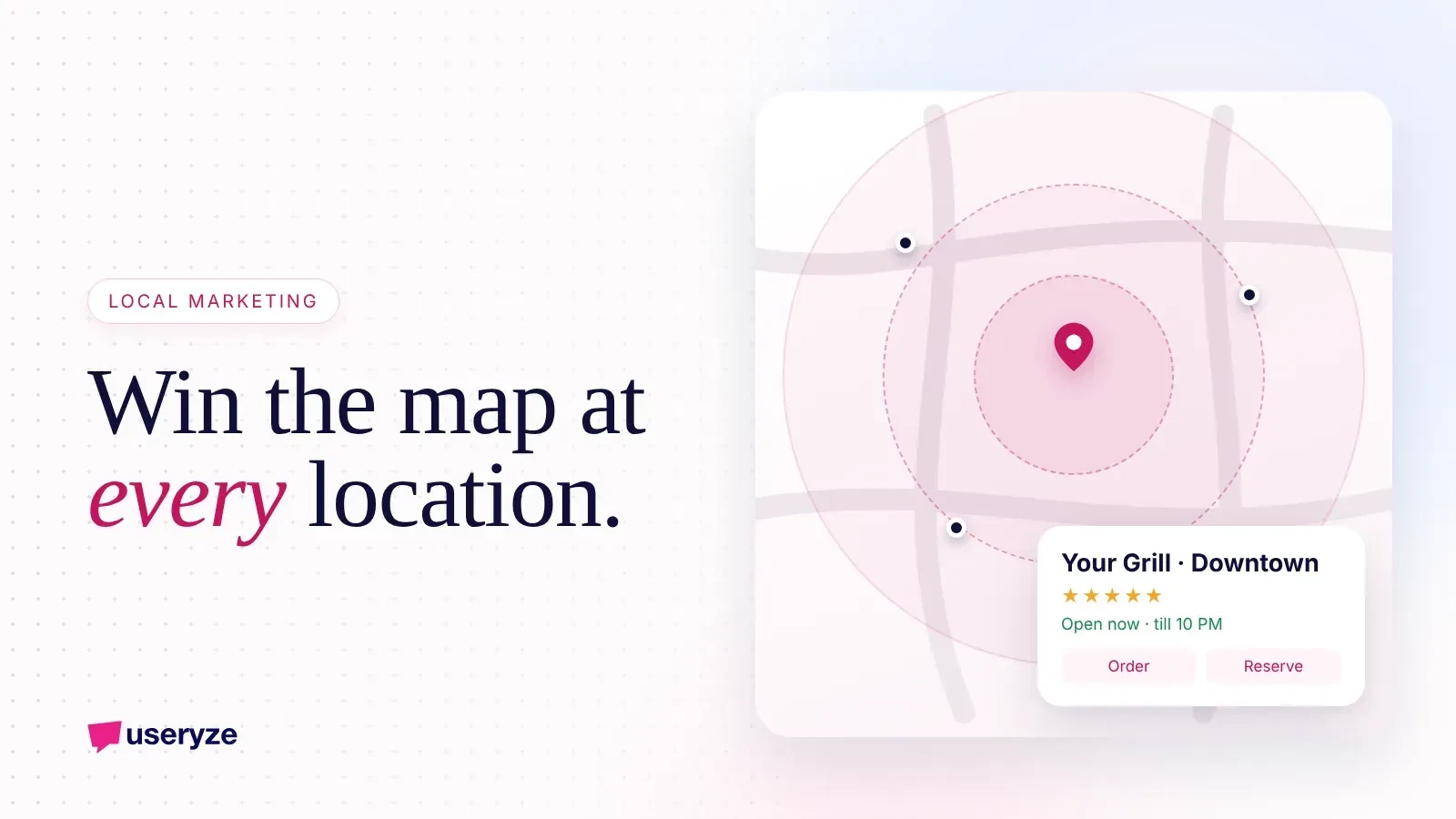
Quick Summary
6 min read- 01
Multi-location restaurants win on Google Maps by treating every location as its own local business. That means a complete, accurate Google Business Profile for each spot, a dedicated...
- 02
The hard part is not knowing what to do. It is doing it consistently across every location, every week.
- 03
Each location competes in its own small radius. Your downtown spot is not up against your suburban one; it is up against the few restaurants within a few blocks of it. So start with an...
- 04
If you have many locations, use a Business Profile group so all locations are managed under one account with clear access for each manager.
Multi-location restaurants win on Google Maps by treating every location as its own local business. That means a complete, accurate Google Business Profile for each spot, a dedicated location page on your website, a steady stream of fresh reviews and photos, and one system that keeps hours, menus and links correct everywhere. Restaurant chains that do this well show up more often in "near me" searches and turn more of those views into visits and orders.
The hard part is not knowing what to do. It is doing it consistently across every location, every week.
01Quick answer
- One profile per location: each restaurant needs its own verified Google Business Profile with its own address, phone and hours.
- One page per location: link each profile to a matching location page, not your homepage.
- Consistency beats cleverness: name, address, phone, hours and menu must match across Google, your site and delivery apps.
- Reviews and photos are ongoing work: ask for reviews at every location and reply to all of them.
- Measure by location: track calls, direction requests, orders and reservations for each spot separately.
Step 1: Get every Business Profile right
Each location competes in its own small radius. Your downtown spot is not up against your suburban one; it is up against the few restaurants within a few blocks of it. So start with an audit, and open each location's Google Business Profile to check the following.
- Business name: use your real brand name. Do not stuff keywords like "Best Pizza Downtown" into it. That can get profiles suspended.
- Primary category: pick the most specific option, like "Thai restaurant" instead of just "restaurant." Add secondary categories that truly apply.
- Address and map pin: confirm the pin sits on the correct building and entrance.
- Phone number: use a local number for that location, not a central call center, unless calls are truly handled centrally.
- Hours: set regular hours and update special hours for holidays and events ahead of time.
- Website link: point to that location's page, tagged with UTM parameters so you can track it.
- Menu, ordering and reservation links: add them, and point ordering to your own site where possible.
- Attributes: fill in dine-in, takeout, delivery, outdoor seating, accessibility and other options that apply.
- Description: a short, honest summary of what makes this location worth visiting.
If you have many locations, use a Business Profile group so all locations are managed under one account with clear access for each manager.
Step 2: Build a real page for each location
A location page is where Google and guests confirm that the profile is legitimate. It also gives you something to rank beyond the map.
- Unique content for each spot: neighborhood, parking, nearby landmarks, private dining, local specials.
- Full contact details: address, phone and hours that match the profile exactly.
- An embedded map and directions: make it easy to get there.
- Location-specific menu and ordering buttons: if menus or prices differ, show that.
- Photos from that location: not the same stock image on every page.
- Clear actions above the fold: order, reserve, call.
This is one reason we encourage restaurant groups to own their website rather than rent a template. We cover it in why restaurants should own their website and data.
Step 3: Make reviews a weekly habit at every location
Reviews influence both where you show up and whether people choose you. For groups, the challenge is uneven effort. One manager asks for reviews; another never does.
- Make asking easy: a QR code on receipts, table tents and takeout bags that links to that location's review form.
- Ask at the right moment: right after a good meal or a compliment, not days later.
- Reply to every review: thank people for positive ones and handle negative ones calmly and specifically.
- Use reviews as feedback: if one location keeps getting comments about wait times, fix the wait times.
- Never buy or gate reviews: asking only happy guests or offering rewards for reviews breaks Google's rules.
Set a simple goal per location, like a set number of new reviews a month, and review progress in your weekly manager meeting.
Step 4: Keep everything fresh and consistent
Google rewards profiles that look active and accurate. Guests do too.
- Add new photos regularly: dishes, interiors, staff, events. Real photos from that location work best.
- Post updates: seasonal menus, events and offers using Google Business Profile posts.
- Sync listings everywhere: Apple Maps, Yelp, Facebook and delivery apps should match your Google details.
- Update the menu when it changes: an outdated menu or price creates bad reviews.
- Watch for unwanted edits: anyone can suggest changes to your profile. Check each location regularly so wrong hours or categories do not slip in.
Step 5: Track performance by location
You cannot manage what you lump together. Measure each location on its own.
- Profile actions: calls, direction requests and website clicks from the Business Profile performance view.
- Website results: sessions, orders and reservations from each location page, using your UTM tags.
- Ranking checks: search key phrases like "pizza near me" from points around each location to see how visible you are.
- Reviews: count, average rating and response rate per location.
Bringing this together by hand gets old fast. In our restaurant data loop case study, we pulled Business Profile, website, ads and social data into one place so decisions could be made per location.
Add local ads where organic is not enough
Some locations sit in crowded areas where organic map rankings take time. Local ads can fill that gap while the profile and reviews build up.
- Run Google ads with location targeting: focus spend on a tight radius around each restaurant.
- Promote on Meta and TikTok locally: show dishes and events to people nearby.
- Send traffic to the right location page: not a generic homepage.
For Tandoori Lounge, a two-location restaurant, we built a new website and ran local paid ads on Google, Meta and TikTok, using data from every channel to keep improving.
Help for restaurant groups
Running Google Maps well across several locations is mostly about discipline and good systems. Useryze helps restaurants with local SEO, location pages, reviews and local ads, all measured location by location. If you want to see how your locations look today, start with our free growth plan: a review of your site, search and ads, followed by a 30-minute call with clear next steps.
Free growth plan
Turn this into more customers.
We run marketing, video and AI follow-up for owner-led businesses. Tell us about yours and we will show you the three fixes that matter most.
Keep reading
- Conversion SEO: How to Rank for Searches That Turn Into CustomersConversion-focused SEO targets searches from people ready to buy, then builds pages that turn them into leads. Here is the step-by-step playbook to follow.
- AI for Dynamic Pricing & Personalized Promotions in RestaurantsDiscover how AI dynamic pricing and personalized promotions help restaurant owners boost margins, cut food waste, and increase customer lifetime value.
- Beyond GMB: Advanced Local SEO Strategies for Independent JewelersDiscover advanced local SEO for independent jewelers. Learn how to optimize citations, deploy luxury product schema, dominate local packs, and drive showroom foot traffic.