Why Payload CMS Is a Great Headless CMS (With AI Agents)
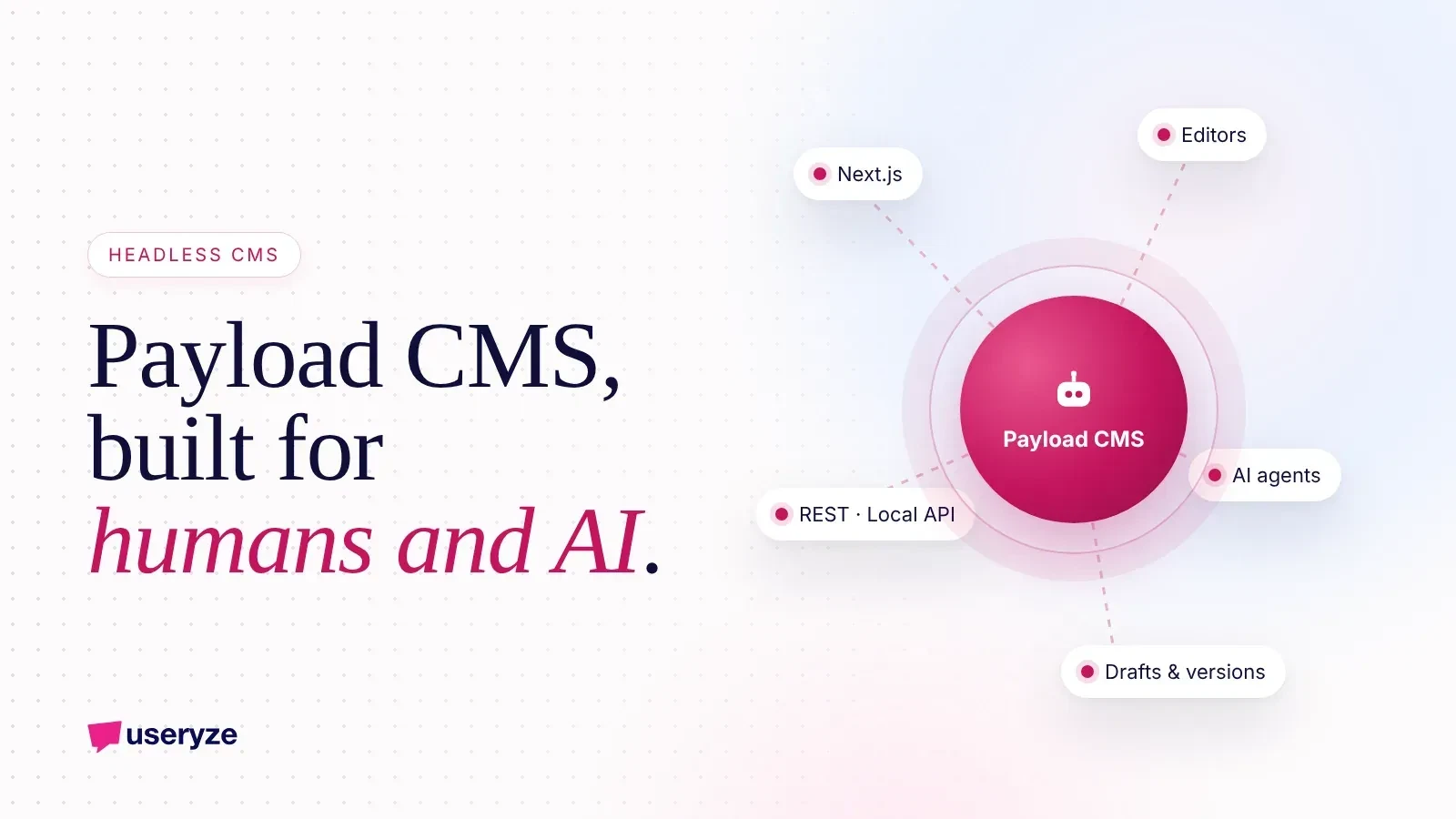
Quick Summary
13 min read- 01
Payload CMS is a great headless CMS because it is open source, written in TypeScript, configured entirely in code, and installs directly into a Next.js app. You get a generated admin panel,...
- 02
We use it to run useryze.com and other content-heavy sites, and it is the CMS our AI agents write into every week. This guide covers why it works so well, how Payload 3 fits with Next.js,...
- 03
A traditional CMS bundles two jobs: storing content and rendering pages. The theme, the database and the editor are all one system, so changing how your site looks often means fighting how...
- 04
A headless CMS only does the first job. It stores structured content and serves it through an API. Your website, app, email templates or AI agents then pull that content and present it...
Payload CMS is a great headless CMS because it is open source, written in TypeScript, configured entirely in code, and installs directly into a Next.js app. You get a generated admin panel, real access control, drafts and versions, and three ways to reach your content (REST, GraphQL and a Local API), all running on infrastructure you own.
We use it to run useryze.com and other content-heavy sites, and it is the CMS our AI agents write into every week. This guide covers why it works so well, how Payload 3 fits with Next.js, how we split work between people and agents, and when you should pick something else.
01The short version
- What it is: an open-source (MIT licensed), TypeScript, config-as-code headless CMS that lives inside your Next.js App Router project.
- Why it stands out: a Local API with no network hop, collection and field-level access control, drafts and versions, blocks-based layouts, Lexical rich text and self-hosting on your own cloud.
- Why it suits AI agents: agents can create drafts, upload media and update SEO fields through the API, while access control limits what they touch and versions keep a full audit trail.
- When to skip it: teams that want zero developer involvement, simple brochure sites, or stores where commerce is the core product (Shopify is better there, and Payload can sit beside it).
- Who benefits most: businesses publishing a lot of content, across brands or languages, that want to own their stack and data.
What a headless CMS actually is
A traditional CMS bundles two jobs: storing content and rendering pages. The theme, the database and the editor are all one system, so changing how your site looks often means fighting how your content is stored.
A headless CMS only does the first job. It stores structured content and serves it through an API. Your website, app, email templates or AI agents then pull that content and present it however they want.
That separation matters for three reasons:
- Speed and design freedom: your front end can be a fast, modern Next.js site without being limited by a theme system.
- Reuse: the same product description or FAQ can feed your website, a mobile app and a chatbot without copy and paste.
- Automation: content that lives in clean, structured fields is far easier for software, including AI agents, to read and write than content buried in page builder markup.
The trade-off is that someone has to build the front end. That is where Payload is different from most headless options.
Why Payload stands out from other headless CMS options
Plenty of headless CMS products exist. Payload earns its place for a specific set of reasons.
- Code-first configuration: your collections, fields, access rules and hooks are TypeScript files in your repository. They get reviewed in pull requests, versioned in Git and deployed like the rest of your app. No clicking through a settings screen and hoping staging matches production.
- Admin panel generated from config: define a "Posts" collection with a title, slug, author and body, and Payload builds the editing interface for it. Editors get a clean UI without anyone hand-building forms.
- Next.js native: in Payload 3, the CMS installs into your Next.js app. The admin panel and APIs run in the same project as your website.
- Local API: server code can query Payload directly, with full TypeScript types, without making an HTTP request to itself.
- Real access control: permissions are functions you write, at the collection level and the field level, so rules can be as specific as your business needs.
- Drafts and versions: every change can be saved as a draft and every published state kept as a version you can compare and restore.
- Blocks: editors build pages from reusable, structured sections (hero, FAQ, testimonial grid, CTA) that developers define once.
- Self-hosting: you run it on your own infrastructure, with your own database, so there is no per-seat or per-record platform bill from a CMS vendor and no one else holding your content.
Put together, Payload feels less like a separate product you integrate and more like a content layer built into your app.
Payload 3 and Next.js: how the pieces fit
The biggest shift in Payload 3 is that it is a Next.js app, not a separate server sitting next to one. If you search "payload cms nextjs" or "payload cms 3", this is the part that matters.
Here is what that looks like in practice:
- One project, one deploy: the admin panel, REST and GraphQL endpoints and your public website all live in the same Next.js App Router project. Payload's routes sit in their own route group, separate from your site's pages.
- Server Components fetch directly: a page can call the Local API inside a React Server Component to fetch a post by slug. No API client, no extra round trip, and the return value is typed from your config.
- Live preview: editors can see the real front end update as they type, because the preview is your actual Next.js page, not an approximation.
- Database choice: official adapters cover MongoDB, Postgres and SQLite. Postgres is a strong default for most teams; SQLite is handy for local development and small projects.
- Storage adapters: uploads can go to S3 (or other supported storage) instead of the server's disk, which is what you want on serverless or autoscaling hosts.
- Lexical rich text: the default editor is Lexical, which stores rich text as structured JSON rather than raw HTML. You can embed blocks inside rich text and render it however you like.
Because everything shares one codebase, your types flow from the CMS config all the way into your page components. Rename a field and TypeScript tells you every place on the site that needs updating.
How humans and AI agents work together in Payload
This is where Payload goes from "nice developer experience" to a real operating advantage for us. Our AI agents do a lot of the content work, and Payload's built-in features make it safe.
The split looks like this:
- Agents draft: new blog posts, landing page sections, FAQ entries and product copy are created as drafts, never published directly.
- Agents refresh: when a page starts slipping in search, an agent updates the content, adds missing questions and saves a new draft version.
- Agents translate: with localization enabled, an agent can fill in the Spanish or French version of a localized field for a human to check.
- Agents optimize: SEO titles, meta descriptions, internal links and image alt text are structured fields, so agents can fill and improve them precisely.
- Humans approve: an editor reviews the draft in the admin panel, compares it to the live version, edits anything that feels off, and clicks publish.
Three Payload features make this workable rather than risky.
- Versions as an audit trail: every save is recorded. You can see what an agent changed, when, and roll back in a click if needed.
- Access control as guardrails: the agent's user account can be allowed to create and update drafts but not publish, delete, or touch settings like redirects or user roles. Field-level rules can lock specific fields, such as legal disclaimers, entirely.
- Hooks as checkpoints: a "before change" hook can validate content (required alt text, slug format, word count) before anything is saved, whether a person or an agent wrote it.
The result is that agents handle volume and people handle judgment. Nobody has to trust an agent blindly, because the system simply does not let it do more than its role allows. We wrote more about this operating model in how we run marketing on AI agents.
The practical architecture we use
Useryze's own site runs on Payload CMS 3 with the Next.js App Router, hosted on AWS Amplify, with media stored in S3. Here is the shape of it, which we reuse for client builds.
- App: one Next.js project containing the public site and the Payload admin.
- Database: a managed database through the matching Payload adapter.
- Media: uploads go straight to S3 through Payload's storage adapter, so the app server stays stateless.
- Collections: posts, pages (built from blocks), categories, authors, media and reusable sections like FAQs and CTAs.
- SEO fields: every page and post has meta title, meta description, canonical and social image fields that both editors and agents can fill.
- Agent access: agents authenticate as their own Payload users with limited roles and call the REST API (or the Local API for jobs running inside the app) to create drafts, upload images, attach categories and write Lexical rich text.
- Data inputs: separate agent jobs pull Google Search Console, GA4 and social data to decide what to write next and which existing pages to refresh.
- Review loop: drafts land in the admin panel, a person approves, and publishing triggers the site to revalidate the affected pages.
We used a similar React, TypeScript and Payload stack for PostalNook, a founder-owned virtual mailbox SaaS, where Payload handles content alongside the product itself.
The point is not that this exact setup is right for everyone. It is that Payload lets you build a content system that fits your business, instead of bending your business around a vendor's model.
When Payload is not the right fit
Payload is excellent, but it is not for everyone. Being honest about this saves time and money.
- You want zero developer involvement: Payload is code-first by design. Editors never need to code, but someone technical has to own the config, deployments and upgrades. If nobody on your side or your partner's side will do that, a fully hosted website builder is a better choice.
- You need a simple brochure site: five pages that change twice a year do not need a headless CMS. A well-built site on a simpler platform will be cheaper to run.
- Commerce is the core of the business: if most of your revenue comes from an online store with lots of products, checkout, payments, apps and inventory, Shopify is usually the stronger foundation. You can build commerce on Payload, but you would be rebuilding much of what Shopify already does well.
- You need it live next week with no planning: a content model takes thought. Rushing it creates the same mess you are trying to escape.
The good news on the commerce point: Payload and Shopify pair well. Shopify runs products, cart and checkout, while Payload runs the editorial side (guides, lookbooks, landing pages, blog) on a Next.js front end that pulls from both. You get Shopify's commerce strengths and a far more flexible content engine.
Migration tips if you are moving to Payload
Moving from WordPress, a hosted builder or another headless CMS is very doable. The projects that go smoothly have a few things in common.
- 1. Audit before you model. List every content type you actually use, how many entries each has, and which pages earn traffic. Search Console is the best place to start.
- 2. Design the content model on paper first. Decide your collections, fields, relationships and blocks before writing config. Aim for structured fields over giant rich text blobs.
- 3. Map every old URL. Build a redirect list from old URLs to new ones and keep it in a Payload collection so editors can manage it later.
- 4. Script the import. Use the Local API in a migration script to create entries, convert old HTML into Lexical rich text and upload media to S3. Run it repeatedly against staging until it is clean.
- 5. Preserve SEO fields. Carry over titles, meta descriptions, canonicals and alt text. Losing these is the most common cause of a post-migration traffic dip.
- 6. Train editors on drafts and versions early. Once people trust that nothing goes live by accident, adoption is fast.
- 7. Add agents after the foundation is stable. Get the content model and review flow right with humans first, then give agents narrowly scoped roles.
If you want to see how we sequence projects like this, how we work lays out our process.
How Payload helps with SEO and AI search
Structured content is a gift for search engines and AI answer engines. When your FAQs, how-to steps, authors and product details live in clean fields, generating schema markup, internal links and consistent metadata becomes straightforward.
A few things we do on every Payload build:
- Structured FAQ and how-to blocks that render visible content and matching schema from the same fields.
- Required SEO fields enforced through validation so nothing ships without a title and description.
- Fast pages from server-rendered Next.js, with images served from S3 through optimized delivery.
- Refresh loops where agents compare Search Console queries against existing pages and draft updates for the ones losing ground.
This is the same thinking behind our AI search visibility work: make your content easy to understand, easy to quote and easy to keep current.
Payload CMS FAQ
- Is Payload CMS free? Payload is open source under the MIT license, so the software itself costs nothing. You pay for hosting, your database, storage and whoever builds and maintains it.
- Does Payload 3 require Next.js? Payload 3 is built to install into a Next.js app using the App Router. Your content is still available through REST and GraphQL to other front ends and apps.
- Can I self-host Payload? Yes. You can run it on your own cloud account, such as AWS, with your own database and storage, in the region you choose.
- Which database should I use? Payload supports MongoDB, Postgres and SQLite through official adapters. We usually recommend Postgres for production content sites.
- Can non-technical editors use it? Yes. The admin panel is generated from your config and is clean to use. Developers set it up; editors just write, preview and publish.
- Is it safe to let AI agents write into Payload? It is when you set it up properly: give agents their own users with limited roles, keep them on drafts, validate with hooks and require a human to publish.
- Can Payload work with Shopify? Yes. A common pattern is Shopify for commerce and Payload for editorial content, both feeding one Next.js front end.
Thinking about Payload for your site?
We build and run Payload sites with AI agents in the loop every day, starting with our own. If you are weighing a move to a headless CMS, or want content that agents can draft and your team can approve, our Payload CMS development and headless content engine service covers the content model, build, migration and agent workflows. The easiest first step is a free growth plan: we review your current site, search and content setup, then walk you through what a Payload build would look like on a 30-minute call. Or just talk to us.
Free growth plan
Turn this into more customers.
We run marketing, video and AI follow-up for owner-led businesses. Tell us about yours and we will show you the three fixes that matter most.
Keep reading
- Payload CMS for Enterprise: Open-Source Headless Content EngineNeed an open-source enterprise CMS? See how Payload handles governance, roles, audit, localization, multi-brand and data residency, plus AI agent workflows.
- Speed to Lead: How an AI Agent Replies to Every Lead in MinutesSpeed to lead is how fast you reply to a new inquiry. See how an AI agent answers every lead in minutes, books the next step and hands off to your team.
- Retargeting for Jewelry Websites: A Practical 30-Day PlaybookA 30-day retargeting playbook for jewelry websites: who to target, what to show them, and how long to wait, so browsers come back and buy or book.