Multi-Location Ad Automation: Run Ads for Every Location, Less Work
Quick Summary
6 min read- 01
Multi-location ad automation means you build your ads once, as a template, and a system fills in each location's details: address, radius, hours, offer, phone number and budget. You get...
- 02
One location is one campaign. Five locations can quietly become dozens of campaigns and ad sets once you split by channel, offer and audience. Each one needs its own radius, its own landing...
- 03
The work multiplies, but your time does not. So the flagship gets attention and the other locations run stale ads for months. Or every manager boosts their own posts with different logos and...
- 04
Centralized advertising fixes the consistency problem. Automation fixes the workload problem. You want both.
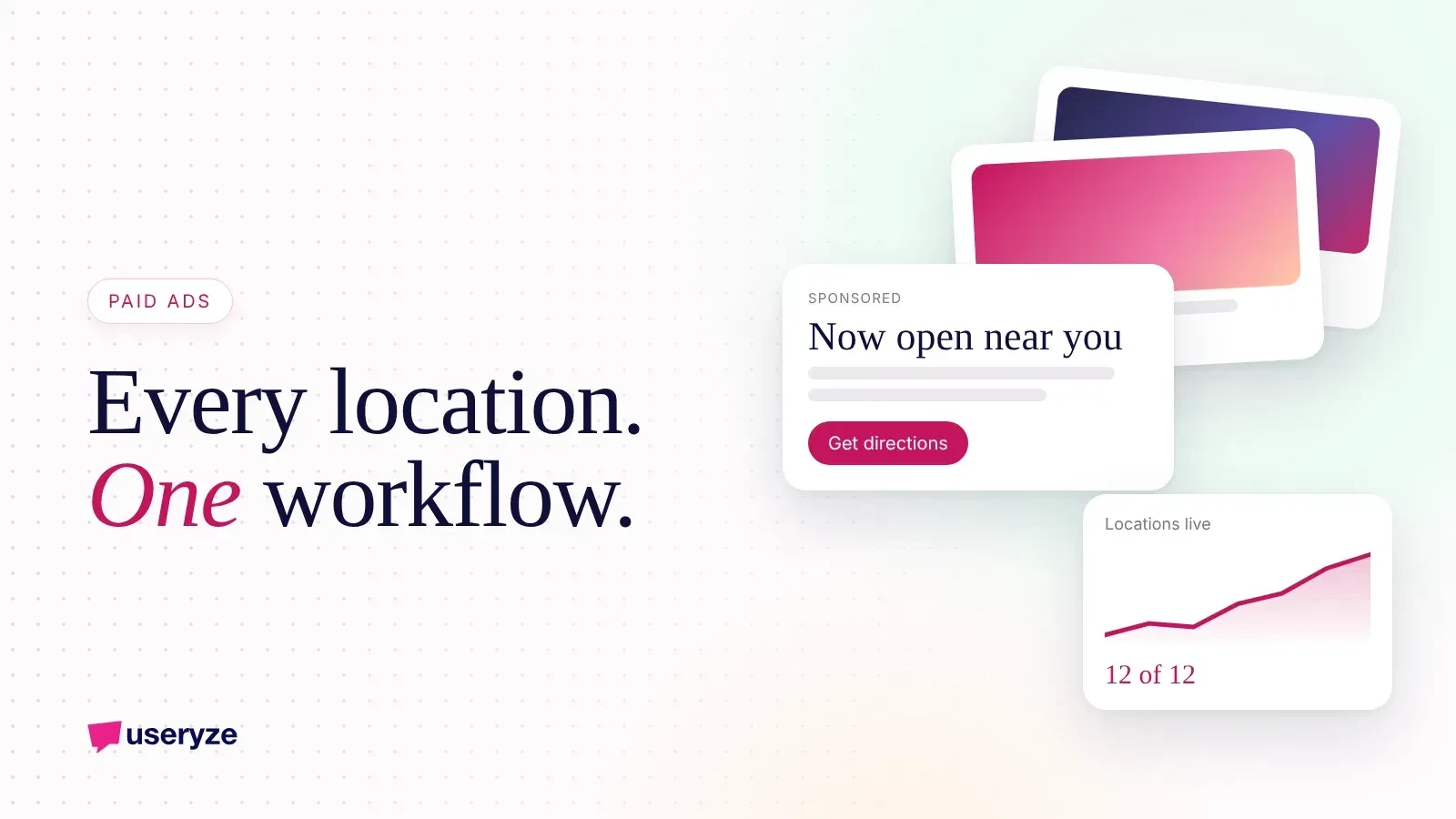
Multi-location ad automation means you build your ads once, as a template, and a system fills in each location's details: address, radius, hours, offer, phone number and budget. You get local ads for every location without rebuilding campaigns by hand. Done well, it also gives you one centralized view of what every location spends and earns.
01The short version
- Build once, localize automatically: one campaign template per channel, with location details pulled from a single source of truth.
- Centralize decisions, localize details: brand, offers and budget rules live at the top; radius, hours and photos live with each location.
- Automate the boring checks: paused locations, broken links, budget pacing and holiday hours.
- Keep people on creative and strategy: automation copies what works, it does not decide what works.
- Start with one channel: usually Google, then Meta, then TikTok.
Why ads get harder with every new location
One location is one campaign. Five locations can quietly become dozens of campaigns and ad sets once you split by channel, offer and audience. Each one needs its own radius, its own landing page and its own budget.
The work multiplies, but your time does not. So the flagship gets attention and the other locations run stale ads for months. Or every manager boosts their own posts with different logos and prices.
Centralized advertising fixes the consistency problem. Automation fixes the workload problem. You want both.
What to centralize and what to keep local
Before you touch any tool, decide who owns what. Most businesses skip this step, and it is why their automation turns messy.
Centralize these:
- Brand rules: logo, colors, tone, and the things you never say.
- Offers and pricing: so a customer never sees two prices for the same thing.
- Budget rules: total spend, how it is split, and when money moves.
- Tracking: one naming convention, one conversion setup, one report.
Keep these local:
- Location details: address, phone, hours and service area.
- Local proof: real photos of that storefront, that team and nearby landmarks.
- Local timing: events, school calendars, weather and slow days.
- Manager input: a simple way for each location to flag what is happening this week.
The location feed: your single source of truth
The engine of multi-location automation is a location feed. It is just a spreadsheet or database with one row per location.
Typical columns are location name, address, phone, hours, target radius, landing page URL, monthly budget, current offer and status (open, paused, closed for remodel). Your Google Business Profile for each location should match it exactly.
Every ad pulls from this feed. Change the hours in one place and every ad and listing that depends on it gets updated. Mark a location as paused and its spend stops on every channel.
If you do one thing this month, build this sheet and keep it accurate. It is useful even before you automate anything.
How to set up multi-location ad automation, step by step
- 1. Audit what is running now. List every active campaign, who made it, what it costs and where it sends people. Kill duplicates and forgotten boosted posts.
- 2. Fix your landing pages. Each location needs its own page with address, map, hours, services or menu, and one clear call to action. Ads that send everyone to the homepage waste money.
- 3. Build the feed. One row per location, as described above.
- 4. Create one master template per channel. On Google, that might be a search campaign plus Performance Max with location assets. On Meta, a radius campaign with a few creative variations. Use placeholders for location name, city and offer.
- 5. Generate location campaigns from the template. Use the platforms' bulk tools and location assets, or a script or agent that reads the feed and builds them. Name everything the same way, like "Brand - Location - Channel - Goal".
- 6. Set budget rules. Give each location a floor so it never goes dark and a ceiling so one location cannot eat the whole budget. Review weekly and shift extra money toward the locations converting best.
- 7. Automate the checks. Daily alerts for overspend, underspend, disapproved ads, broken links and locations with spend but no conversions.
- 8. Report in one place. Cost per lead, call or visit, by location, side by side.
What an AI agent can handle (and what it should not)
This is where automation gets more useful than bulk uploads. An agent can read your feed, watch performance and do the repetitive parts every day.
Good jobs for an agent:
- Building and updating location campaigns when the feed changes.
- Writing localized ad copy variations inside your brand rules, for a person to approve.
- Pacing budgets and flagging locations that are running hot or cold.
- Pushing holiday and hours changes across every channel at once.
- Sending a weekly summary of which locations are winning, slipping or wasting spend.
Jobs that stay with people:
- Choosing the offer and the big creative idea.
- Approving anything new before it goes live.
- Deciding when a location needs a different strategy, not just a different budget.
We explain this model in how we run marketing on AI agents, and you can see what our AI agents do day to day. The short version: agents handle the busywork, people keep the judgment calls.
Common mistakes, and what to do this week
- Splitting the budget evenly. Locations are not equal. Fund by opportunity and results.
- Overlapping radiuses. Nearby locations end up bidding against each other. Draw clear territories.
- One creative for everyone. Same template, different photos. Real local images build trust.
- No offline tracking. If customers call or walk in, use call tracking and a different offer code per location.
- Automating a broken campaign. Get one location working first, then copy it.
Then, this week:
- Pull a list of every active ad across every location and channel.
- Start your location feed with the basics: address, phone, hours, landing page and budget.
- Check that each location has its own landing page and an accurate Google Business Profile. Local SEO and local ads work best together.
- Pick your best performing location and turn its campaign into your first template.
How Useryze helps
We set up centralized advertising for businesses with more than one location: the feed, the templates, the tracking and the agents that keep it running. For example, we run local ads on Google, Meta and TikTok for a two-location restaurant and keep optimizing from every channel's data. If you want a second set of eyes on your setup, take a look at our paid media service or ask for a free growth plan. We review your site, search and ads, then walk you through what we found on a 30-minute call.
Free growth plan
Turn this into more customers.
We run marketing, video and AI follow-up for owner-led businesses. Tell us about yours and we will show you the three fixes that matter most.
Keep reading
- The Paid Ads Data Loop: Right Ad, Right Person, Right TimeRunning ads isn't enough. See how a connected data loop of ads, social, POS and CRM serves the right ad at the right time and moves buyers to purchase.
- Why Payload CMS Is a Great Headless CMS (With AI Agents)Payload CMS is open source, code-first and runs inside Next.js. See why we use it for content-heavy sites and how AI agents and humans publish in it.
- Speed to Lead: How an AI Agent Replies to Every Lead in MinutesSpeed to lead is how fast you reply to a new inquiry. See how an AI agent answers every lead in minutes, books the next step and hands off to your team.